
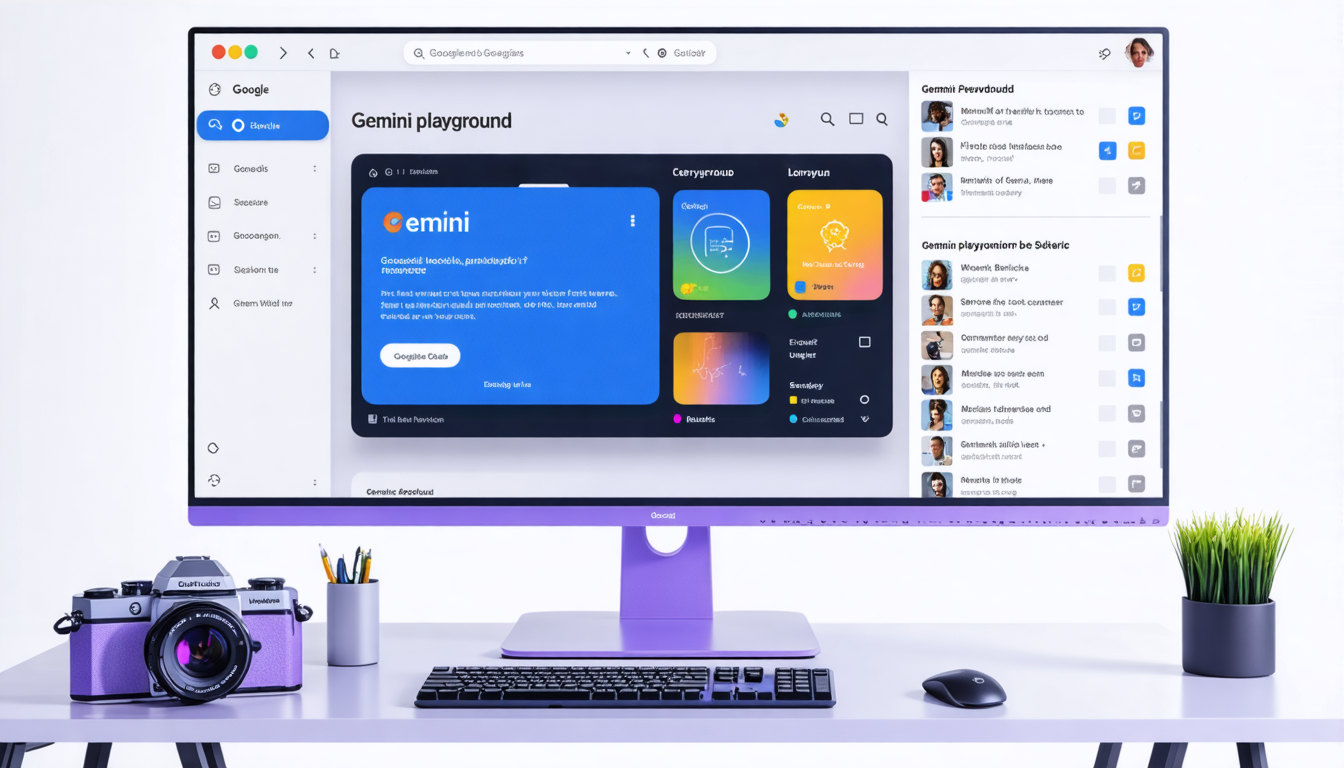
Google AI Studio is the fastest way to start building with Google’s Gemini AI models — and it’s completely free. Whether you want to prototype a chatbot, build a multimodal application, or experiment with AI agents, AI Studio gives you direct access to Gemini without writing a single line of code to get started.
Here’s everything you need to know about Google AI Studio in 2026 and how to use it effectively.
What Is Google AI Studio?
Google AI Studio is a web-based platform for prototyping and building with Gemini, Google’s most capable AI model family. It provides:
- Prompt playground — test prompts with different Gemini models instantly
- Multimodal support — work with text, images, audio, video, and code in a single interface
- API key generation — get API keys to use Gemini in your applications
- Code generation — export your prompts as Python, JavaScript, or cURL code
- Structured output — define JSON schemas for consistent, parseable AI responses
- System instructions — set persistent context that shapes all model responses
Why Google AI Studio Matters
Three reasons AI Studio has become the go-to starting point for AI development:
1. Zero Setup
No installation, no configuration, no credit card. Open the browser, sign in with Google, and start building. This makes it the most accessible entry point for anyone learning AI development.
2. Gemini Access
AI Studio gives you direct access to the full Gemini model family — including Gemini Pro, Gemini Flash, and the latest experimental models. You’re working with the same models that power Google’s products.
3. Prototype to Production
What you build in AI Studio translates directly to production code. The “Get Code” button exports your prompt configuration as ready-to-use API calls. Combined with Google Antigravity, you can go from AI Studio prototype to deployed application in hours.
What You Can Build with AI Studio
- Chatbots and assistants — with system instructions, conversation history, and tool use
- Content generation — blog posts, marketing copy, product descriptions with consistent formatting
- Image analysis — upload images and get descriptions, analysis, or data extraction
- Code generation — describe what you want and get working code in any language
- Data extraction — upload documents and extract structured data into JSON
- Translation — multilingual content with cultural context awareness
- Summarization — condense long documents into key points
AI Studio + Antigravity: The Complete Workflow
The most productive workflow combines both tools:
- Experiment in AI Studio — test your prompt, refine the system instructions, verify the output format
- Export the code — click “Get Code” to get the API call in your preferred language
- Build in Antigravity — paste the code into your project and tell Antigravity to build the full feature around it
- Deploy — push to Google Cloud directly from Antigravity
This is exactly the workflow taught at the Build With AI Campus Bootcamp Series — students prototype in AI Studio, then build complete applications using Antigravity, all in a single workshop day.
Getting Started
- Go to ai.google.dev
- Sign in with your Google account
- Click “Create New Prompt”
- Start typing — describe what you want the AI to do
- Iterate until you’re happy with the output
- Click “Get Code” to export as API calls
It’s that simple. No setup, no billing, no waiting. The best way to learn AI development is to start building, and AI Studio removes every barrier to getting started.
For structured learning, join a Build With AI bootcamp at your campus or explore AI-focused hackathons on Reskilll.
AI Studio is the best free tool for learning AI development. I went from zero to building a working chatbot in one afternoon. The export to code feature is brilliant.
Used AI Studio at the Build With AI bootcamp at our campus. The hands-on approach of prototyping in Studio then building in Antigravity is the perfect learning workflow.