
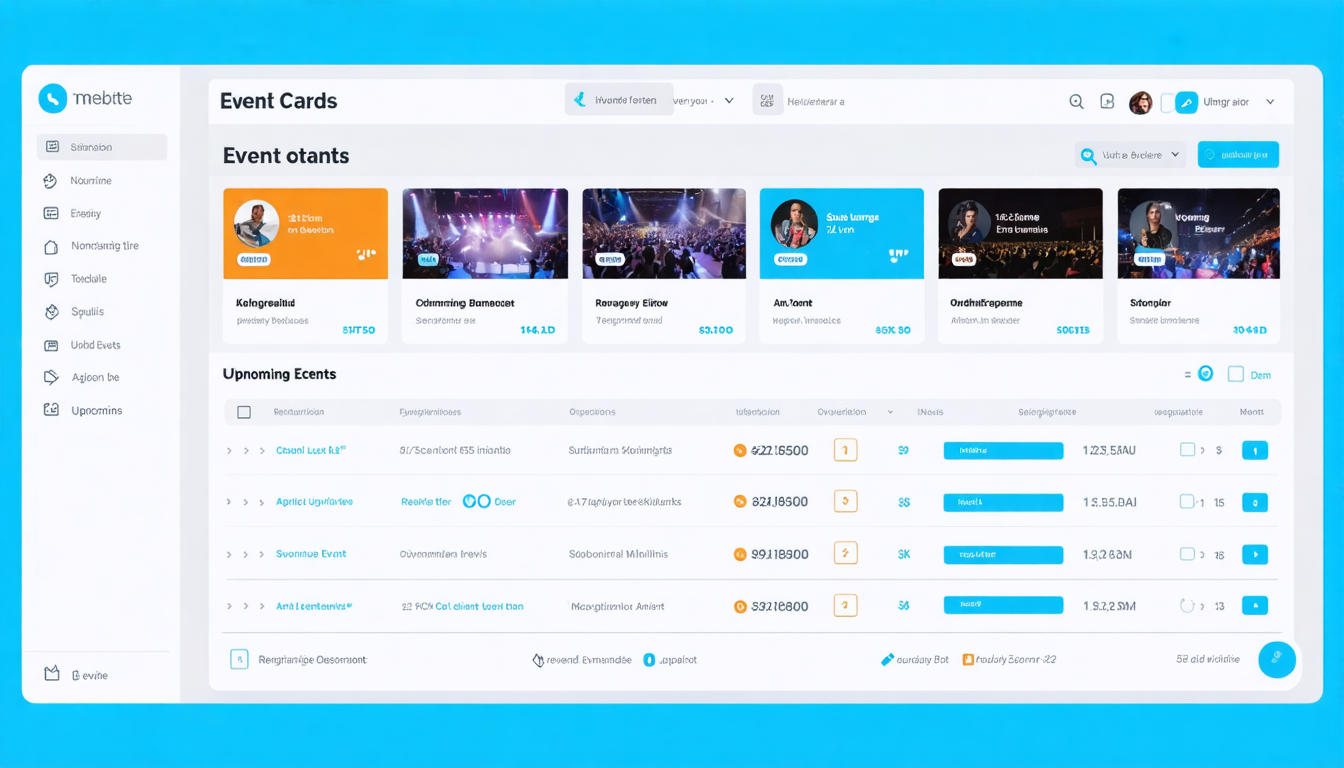
We built something we’ve wanted for a long time — a dedicated event management platform for the Reskilll ecosystem. Not a third-party tool with someone else’s branding. Not a hacked-together Google Form. A proper, purpose-built platform at events.reskilll.com that handles everything from event creation to check-in to analytics.
This post walks through what we built, how it works, and why we made the decisions we did. If you’re an organizer thinking about hosting your next event on Reskilll, this is your complete guide.
Why We Built Our Own Event Platform
Reskilll has hosted 1,752 events and 196 hackathons with 7M+ innovators. Until now, events lived inside the main reskilll.com platform — tightly coupled with hackathon-specific features. But events aren’t hackathons. A workshop doesn’t need problem statements. A conference doesn’t need team formation. A webinar doesn’t need check-in.
We needed a platform that treats events as first-class citizens — with their own creation flow, their own templates, their own analytics. Something that an organizer can set up in 10 minutes without reading documentation.
Creating an Event: The 6-Step Wizard
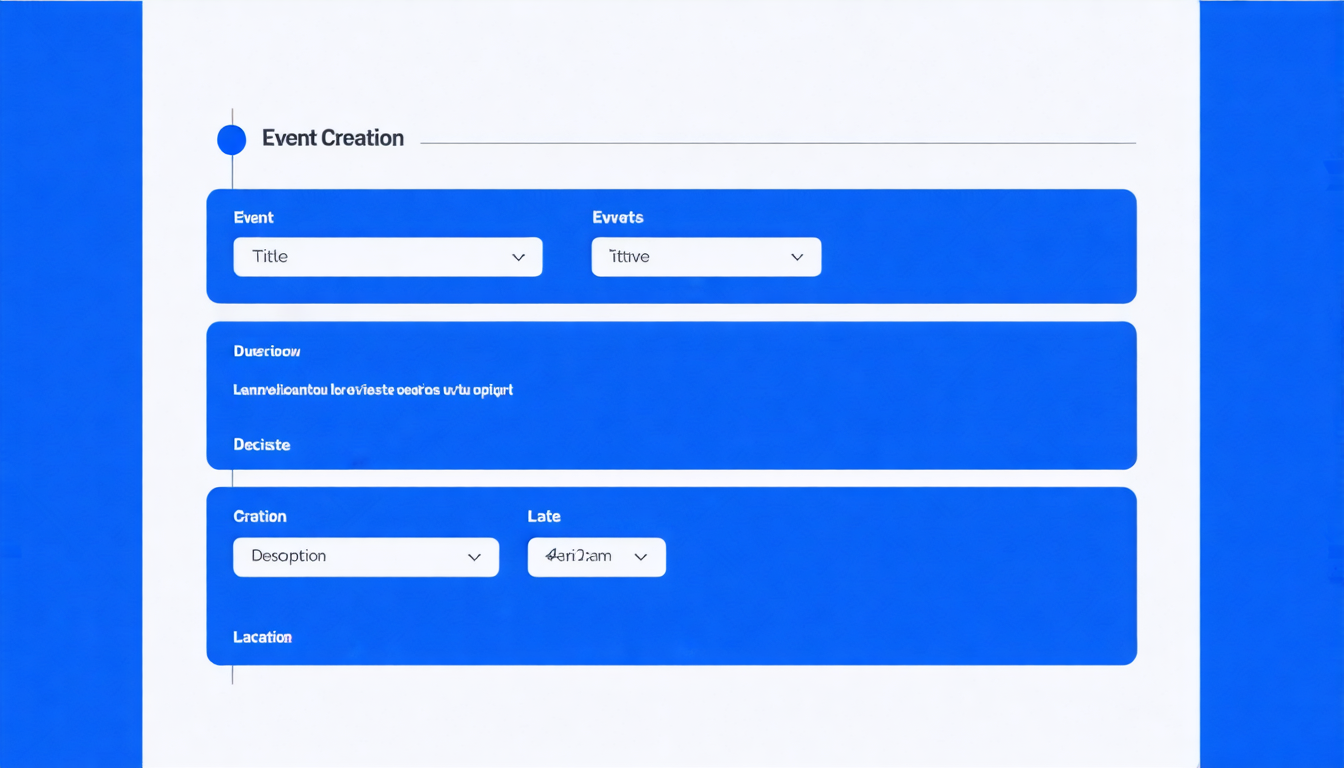
We designed event creation as a guided wizard — not a single overwhelming form. Here’s each step:
Step 1: Basic Information
Title, short description, event type (workshop, conference, bootcamp, webinar, meetup), and difficulty level. The slug is auto-generated from the title but can be customized.
AI Assist: Click the ✨ button next to the description field and our AI generates a compelling event description from just the title and type. It uses our Bedrock API with Nova Lite for fast, cost-effective generation.
Step 2: Date, Time & Location
Start date, end date, registration deadline. Location type (online, offline, hybrid) with venue details or platform link. For offline events, we integrate Google Maps for venue search and display an embedded map on the event page.
Step 3: Event Details
This is where the event comes alive:
- Agenda Builder — add sessions with time, title, description, speaker name, and type (keynote, session, workshop, break, networking). Drag to reorder.
- Speakers — add speaker cards with photo, name, title, company, bio, and social links
- Sponsors — add sponsor logos with tier (title, gold, silver, bronze, community)
- FAQs — question and answer pairs displayed as an accordion on the event page
- Prizes — for hackathon-style events, add prize tiers with amounts and descriptions
- Perks — what attendees get (certificates, swag, meals, etc.) with emoji icons
Step 4: Registration Configuration
Choose what information to collect from attendees. Beyond the default fields (name, email, phone, organization), you can add custom fields:
- Text, email, phone, textarea inputs
- Select dropdowns, radio buttons, checkboxes
- File uploads (for resumes, portfolios)
- Each field can be required or optional with help text
Step 5: Post-Registration Experience
Configure what happens after someone registers:
- Custom success message with event details
- Next steps list (join Discord, download materials, etc.)
- Add-to-calendar button (Google Calendar, iCal)
- Custom CTAs (primary and secondary buttons)
- Or redirect to an external URL
Step 6: Review & Publish
Preview everything, then publish. Events start as drafts — only visible to the organizer. When you publish, the event goes live on the browse page and gets its own SEO-optimized URL at events.reskilll.com/events/your-event-slug.
The Event Page: What Attendees See
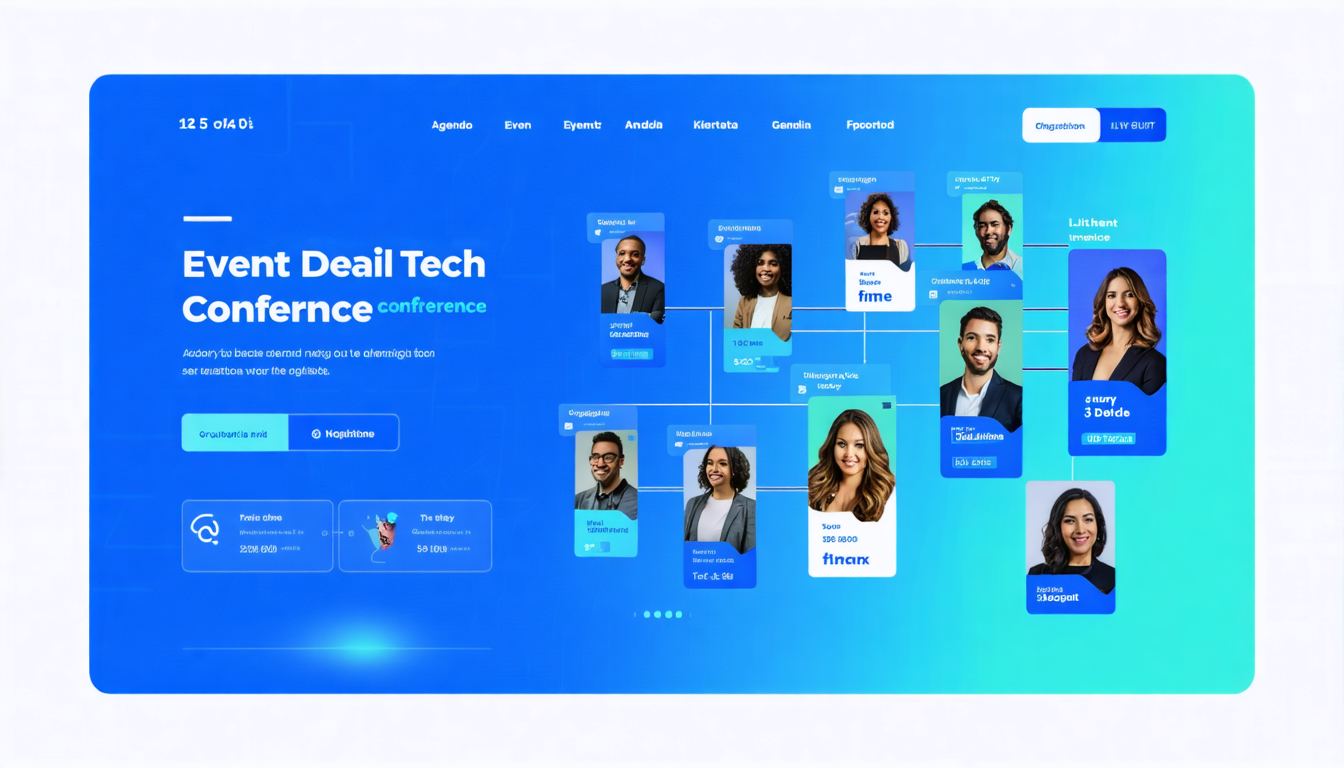
Every published event gets a beautiful, responsive page with:
- Hero section with banner image, event title, type badge, and registration CTA
- Quick info bar — date, location, capacity, registered count
- Tabbed content — Overview, Agenda, Speakers, FAQs
- Sidebar — organizer card, sponsors, mentors, share buttons
- Embedded Google Map for offline events
- YouTube video embed support in the hero section
Organizer Dashboard: Managing Your Events
Once you’ve created events, the dashboard gives you a complete overview:
- Stats cards — total events, total participants, upcoming events, page views
- Event list — all your events with status, registration count, and quick actions
- Participant management — view, approve, reject, or check-in participants. Search by name or email. Export to CSV.
- Announcements — send emails to all participants, or filter by status (confirmed, waitlisted)
- Analytics — registration trends, traffic sources, device breakdown, check-in rates
Two Ways to Use the Platform
The platform serves two types of users:
- Organizer — create events, manage participants, send announcements, view analytics, export data.
- Participant — browse events, register, view your registrations, get updates, submit feedback.
If you’re logged into reskilll.com, you’re already logged in — no separate account needed.
AI-Powered Features
We integrated our Bedrock AI API directly into the event creation flow:
- Generate Description — AI writes a compelling event description from the title and type
- Suggest Tags — AI analyzes the event details and suggests relevant tags and tech stack
- Generate FAQs — AI creates common Q&As based on the event type and details
- Generate Banner — AI creates a custom banner image using Stable Diffusion
All AI features use our own API with cost tracking — organizers don’t pay anything extra.
SEO: Every Event Page Is Discoverable
Each event page includes:
- Schema.org Event JSON-LD — Google understands it’s an event with date, location, organizer
- Open Graph tags — beautiful previews when shared on LinkedIn, Twitter, WhatsApp
- Dynamic meta tags — unique title and description per event
- Clean URLs —
/events/your-event-slug - Sitemap — auto-generated from published events
What’s Next
This is version 1. Here’s what’s coming:
- Ticketing & Payments — Razorpay integration for paid events with ticket types and promo codes
- Certificate Generation — auto-generate certificates for all participants
- QR Code Check-In — scan QR on participant’s phone for instant check-in
- Event Templates — duplicate past events as starting points
- Automated Emails — reminders 24h before, post-event feedback requests
- MentorVerse Integration — assign mentors from our 1,389+ mentor network
Try It Now
The platform is live at events.reskilll.com. If you’re already a Reskilll user, you’re already logged in. Browse events, or switch to organizer mode and create your first event in under 10 minutes.
For hackathons, the main reskilll.com platform continues to be the home — with team formation, problem statements, and AI-powered evaluation. The event platform is for everything else: workshops, conferences, bootcamps, webinars, and meetups.
Comments are closed.